
Chrome extension · Free · No data collected
Grass Toucher
“Finally, a way to touch grass without going outside.”
Grass Toucher is a free Chrome extension by Tyler Edic that puts an interactive, physics-simulated lawn in your browser toolbar. Brush the grass, mow it exactly where you touch, and keep the dandelions from taking over, while the toolbar icon grows shaggier the longer you browse.
Free · About 30 KB · No account, no tracking, nothing leaves your computer
About the project
What is Grass Toucher?
“Touch grass” is internet slang for go outside, you have been online too long. Grass Toucher takes the advice literally and gets it wrong on purpose: it is a small patch of lawn that lives in your Chrome toolbar, so you can touch grass without leaving your desk.
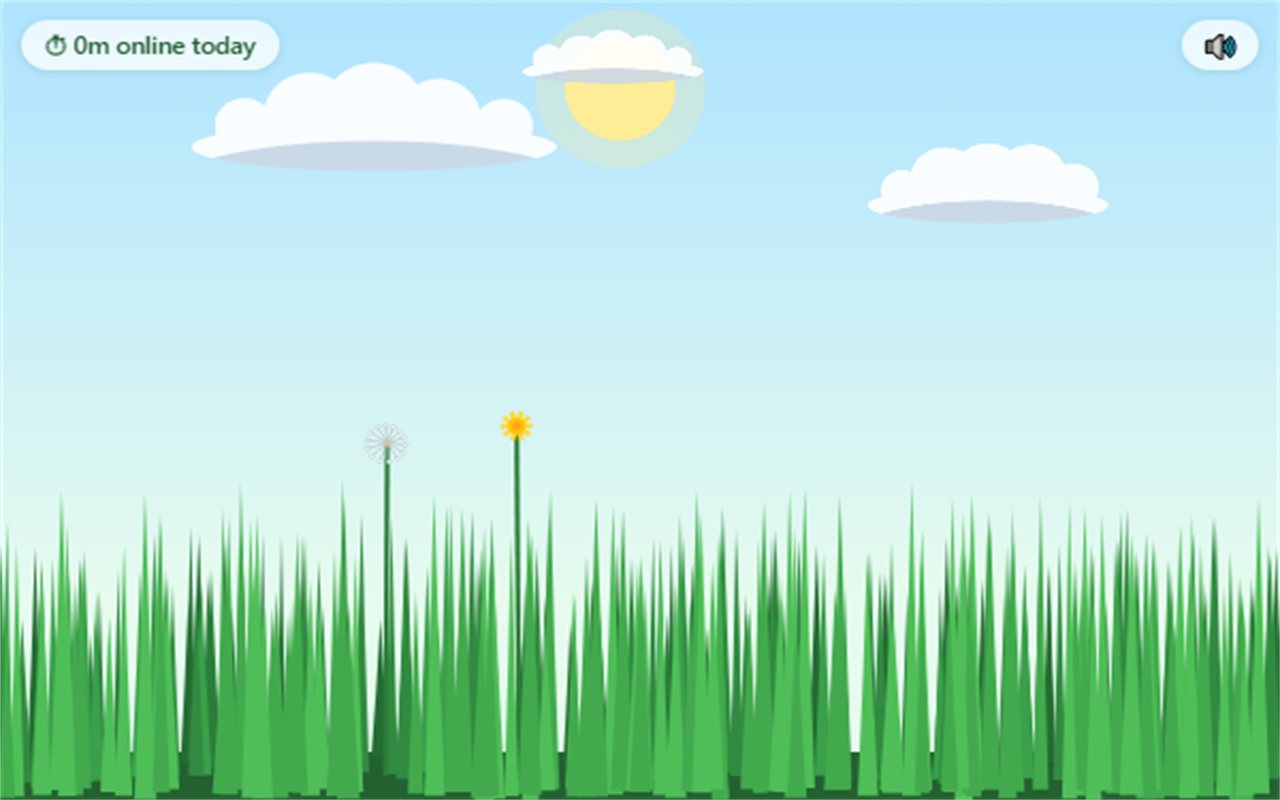
Click the icon and the lawn opens. Run your cursor through it and the blades part, bend with the speed of your swipe and spring back with a soft rustle. Hold and drag to mow: the grass is cut at exactly the height you touch, so you can give it a tidy trim, a buzz cut, or carve your initials into it.
The lawn is alive when you are not looking. Grass regrows, dandelions flower, go to seed and spread, and the toolbar icon gets shaggier the longer you browse without mowing. Mow the lawn and a little message congratulates you. It is not sincere.
How it works
How to use Grass Toucher
- Install it. Add Grass Toucher from the Chrome Web Store, then pin it to your toolbar so the icon is always visible.
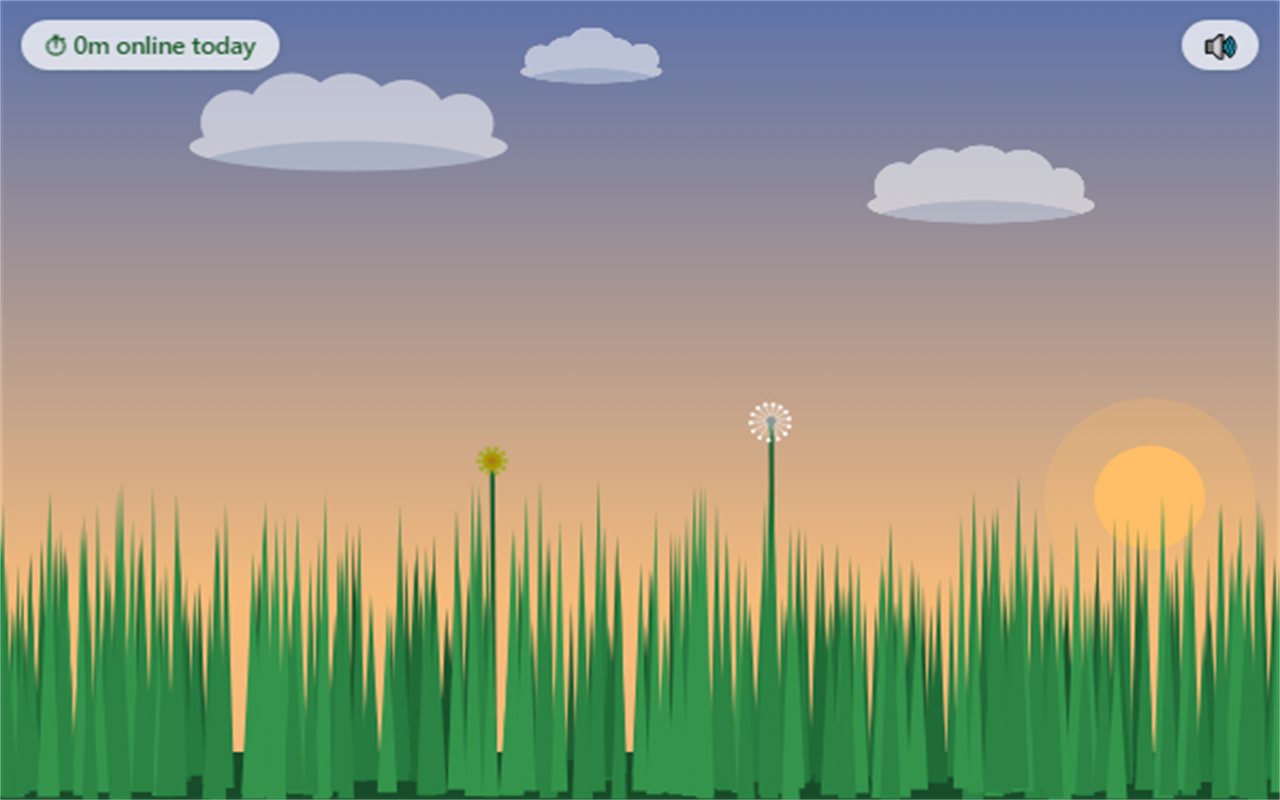
- Open the lawn. Click the grass icon. Your lawn opens in a small popup, under a sky that matches your local time of day.
- Brush it. Move your cursor through the grass and watch the blades part and spring back.
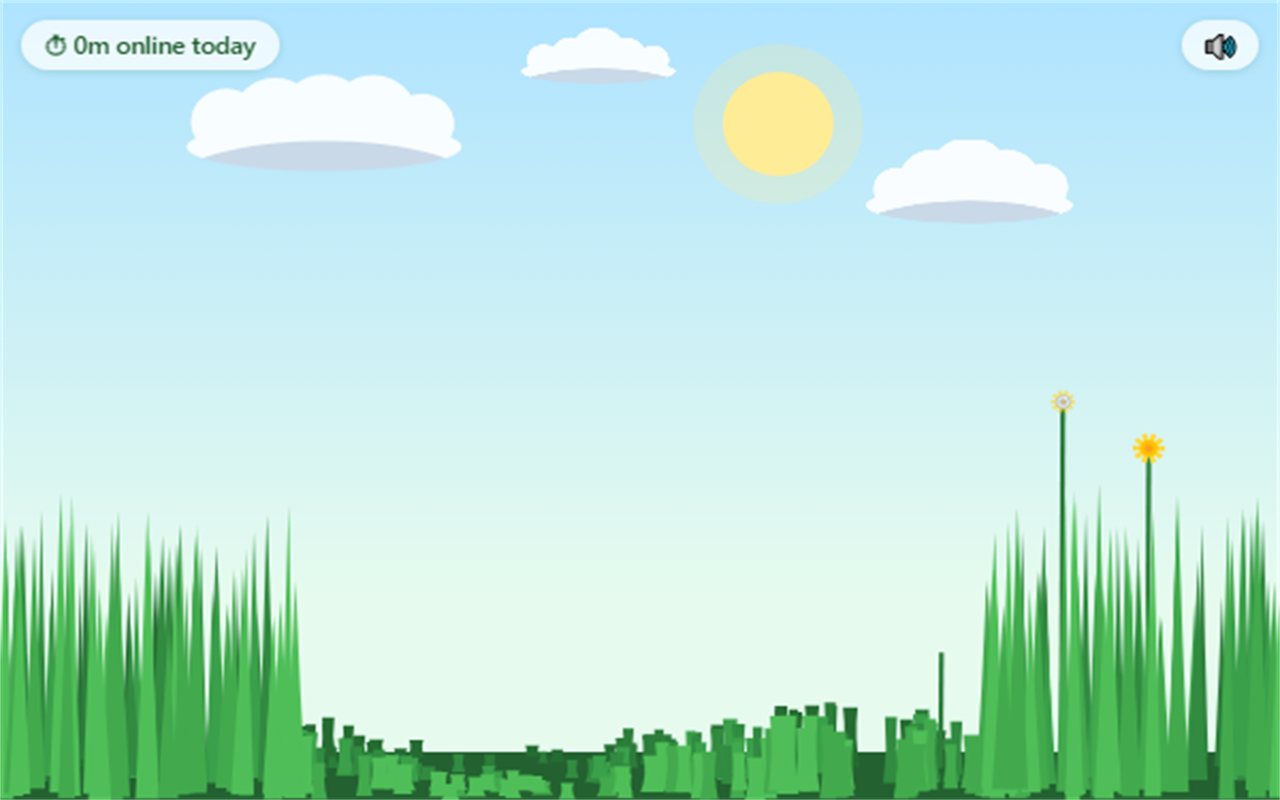
- Mow it. Hold the mouse button and drag. Swipe high for a trim or low for a buzz cut. Mow most of the lawn and the toolbar icon resets to a fresh cut.
- Mind the dandelions. Mow them before they go to seed, or leave them and come back to an invasion.
What the toolbar icon is telling you
| Icon | Active browsing since last mow |
|---|---|
| Fresh cut | Under 30 minutes |
| Getting long | 30 minutes or more |
| Shaggy | 90 minutes or more |
| Full jungle | 3 hours or more |
Only active browsing counts. Time away from the computer does not.
What's in it
Features
- Brushable grass. Every blade has its own spring physics: it bends with your cursor's speed and bounces back.
- Mow where you touch. Blades are cut at the exact height of your pointer. Clippings fly, and each stub regrows on its own.
- Dandelions with a life cycle. Sprout, yellow flower, white puff, seeds on the wind. Every puff that seeds spreads more of them.
- A living toolbar icon. The icon grows from fresh cut to full jungle the longer you browse, and resets when you mow.
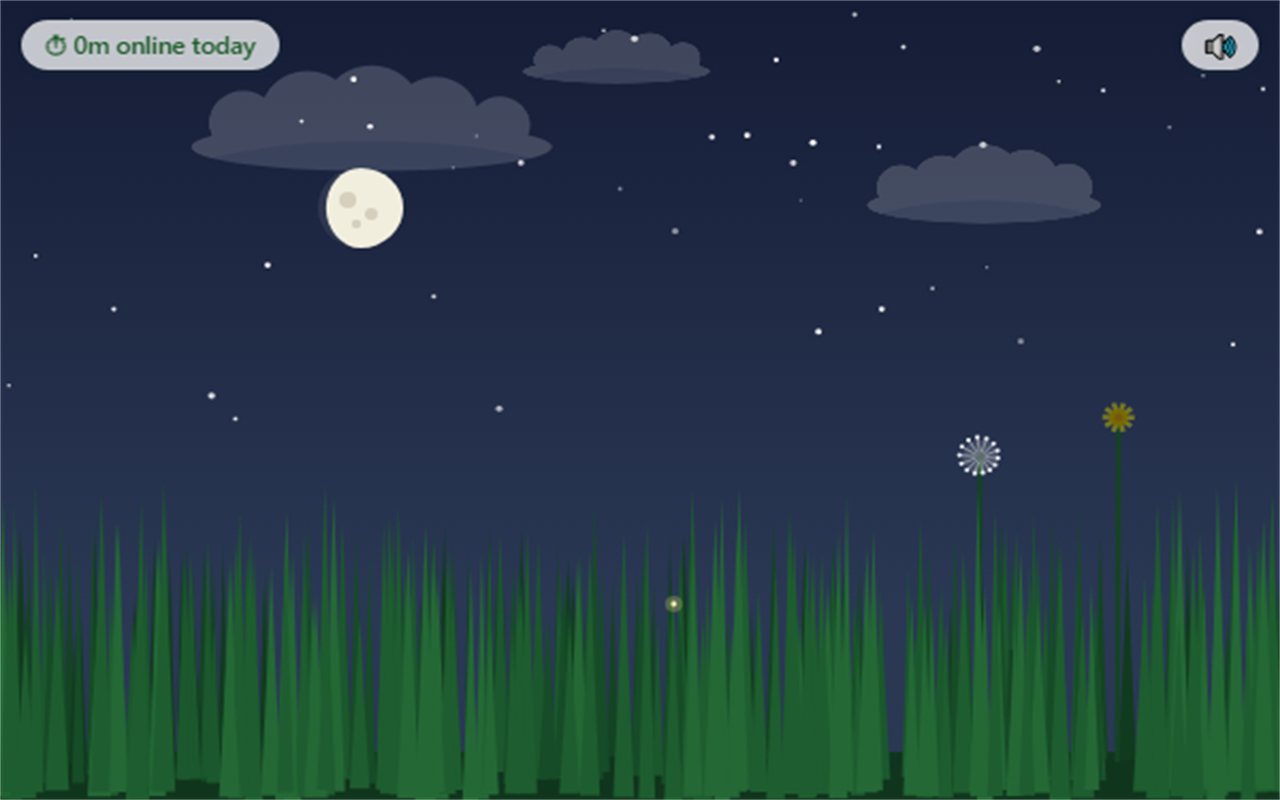
- A sky that keeps time. The sun tracks your real local clock. At night there are stars, fireflies and the moon in its true current phase.
- Sound made from nothing. Rustles, the mowing chime and dandelion pops are all generated live as you play. There are no audio files.
- A lawn that persists. Your lawn is saved, and it keeps growing, slowly, while the popup is closed.
- Private by design. No account, no analytics, no network requests. Everything stays on your own computer.
Screenshots
Grass Toucher screenshots
Behind the product
How Grass Toucher was made
Grass Toucher was designed and built by Tyler Edic as his first Chrome extension, using AI-assisted development, and published on the Chrome Web Store in July 2026. It is a joke, but it was built to be genuinely satisfying to play with: every blade of grass moves on its own.
Privacy was a product decision from the start. The extension asks for the minimum access it needs, keeps everything on your own device and never connects to the internet. The privacy policy is four short paragraphs long.
It has been updated several times since launch, mostly to tune how quickly the grass and the dandelions grow, so the lawn feels alive without turning into a chore.
FAQ
Grass Toucher: frequently asked questions
What is Grass Toucher?
Grass Toucher is a free Chrome extension made by Tyler Edic. It puts an interactive, physics-simulated lawn in your browser toolbar: you can brush the grass with your cursor, mow it by holding and dragging, and clear dandelions before they spread. The toolbar icon grows shaggier the longer you browse without mowing.
How do I install Grass Toucher?
Open the Grass Toucher page on the Chrome Web Store and choose Add to Chrome. Then pin the extension to your toolbar and click its icon to open your lawn.
Is Grass Toucher free?
Yes. Grass Toucher is free, with no ads, no account and no paid features. There is an optional Buy Me a Coffee link for anyone who wants to leave a tip.
Does Grass Toucher collect any data?
No. Grass Toucher does not collect, store, transmit or sell any user data. It saves the state of your lawn, a count of active browsing minutes and your sound preference on your own device, and it makes no network requests. See the privacy policy.
What permissions does Grass Toucher need?
Three: storage, to save your lawn locally; alarms, to count active browsing minutes once a minute for the toolbar icon; and idle, to detect when you are away so that idle time does not count.
Why does the Grass Toucher icon keep changing?
The toolbar icon shows how long you have been actively browsing since you last mowed. It goes from a fresh cut to getting long after about 30 minutes, shaggy after about 90 minutes and a full jungle after about three hours. Mowing most of the lawn resets it.
What does “touch grass” mean?
“Touch grass” is internet slang telling someone to go outside and take a break from being online. Grass Toucher is a joke on the phrase: it lets you touch grass without leaving your browser.
Who made Grass Toucher?
Grass Toucher was designed and built by Tyler Edic, a project manager who designs and ships his own products, based in Savannah, Georgia.
Now go touch some grass
Either kind.
Grass Toucher is free on the Chrome Web Store. The grass does not care how long you have been online. The icon does.